
Tide app feature
Choose Any New Location on Map
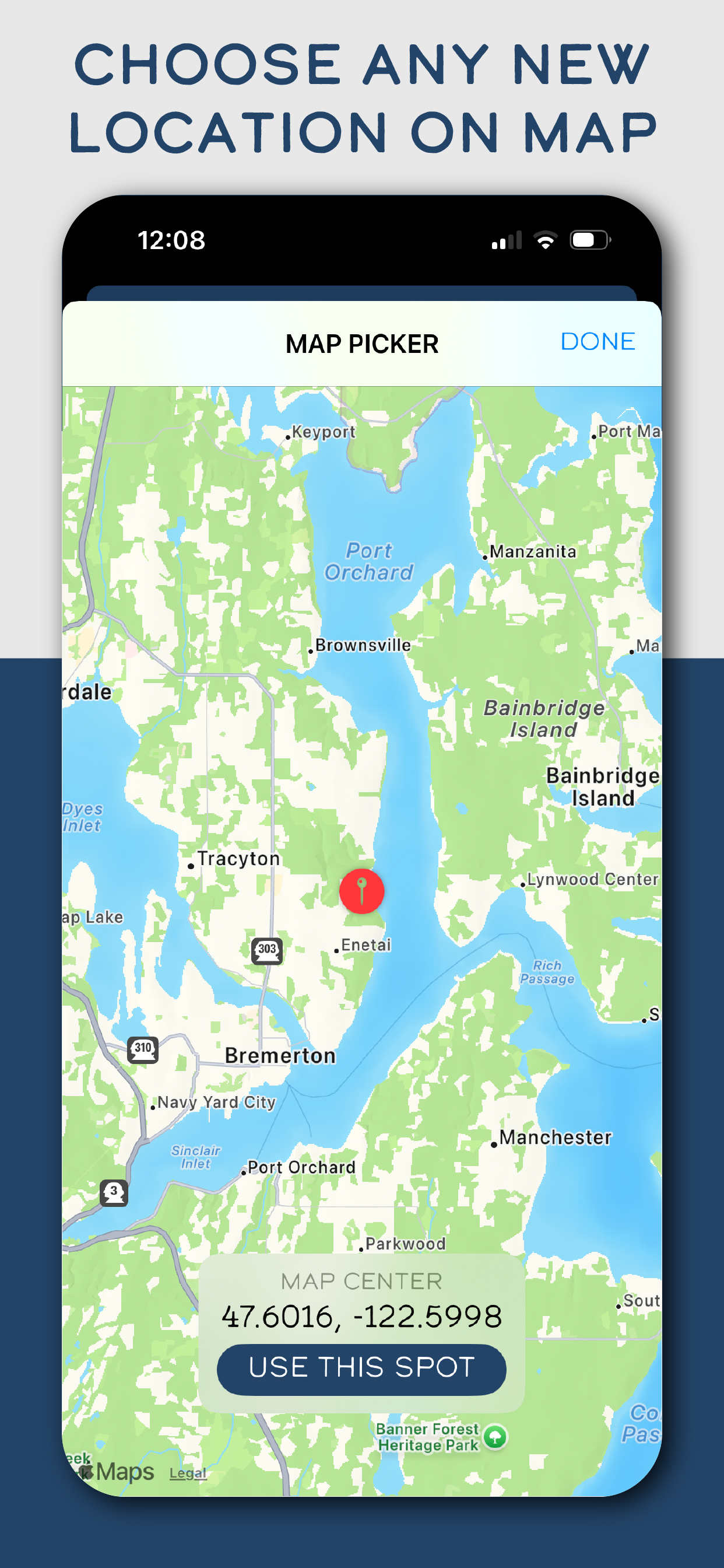
Not every tide check starts from a saved favorite. The map picker gives you a fast way to move to a new area, center the map, and use that spot for a more exact tide check.
Why this feature matters
Coastal planning often changes once you see crowds, wind, swell, beach access, or travel timing.
A map-based picker helps people explore nearby options instead of being locked into a fixed list.
Precision matters when a small shift in location can change how useful the tide check becomes.
How Tide Buoy uses it
- Lets you move the map to a new coastal area quickly.
- Shows a clear location pin and coordinate readout before you commit to the spot.
- Makes it easier to test alternate beaches, harbors, or shoreline access points.
Best real-world uses
- Finding a better launch or fishing area nearby.
- Checking a destination you have not saved yet.
- Comparing multiple local spots before deciding where to go.
Want to try this in the app?
Tide Buoy brings this feature into a simple, mobile-first tide app experience built for the coast.
Related features
FAQ
Choose Any New Location on Map questions, answered
Clear answers help both humans and search engines understand what this Tide Buoy feature actually does.
Can I use the map picker for a place I have never saved?+
Yes. The map picker is designed for exploring new coastlines, not just revisiting old favorites.
Why is precise location useful for tides?+
Because a small location shift can change which beach, inlet, or launch you should plan around.