
Tide app feature
Accurate Tides in Your Location
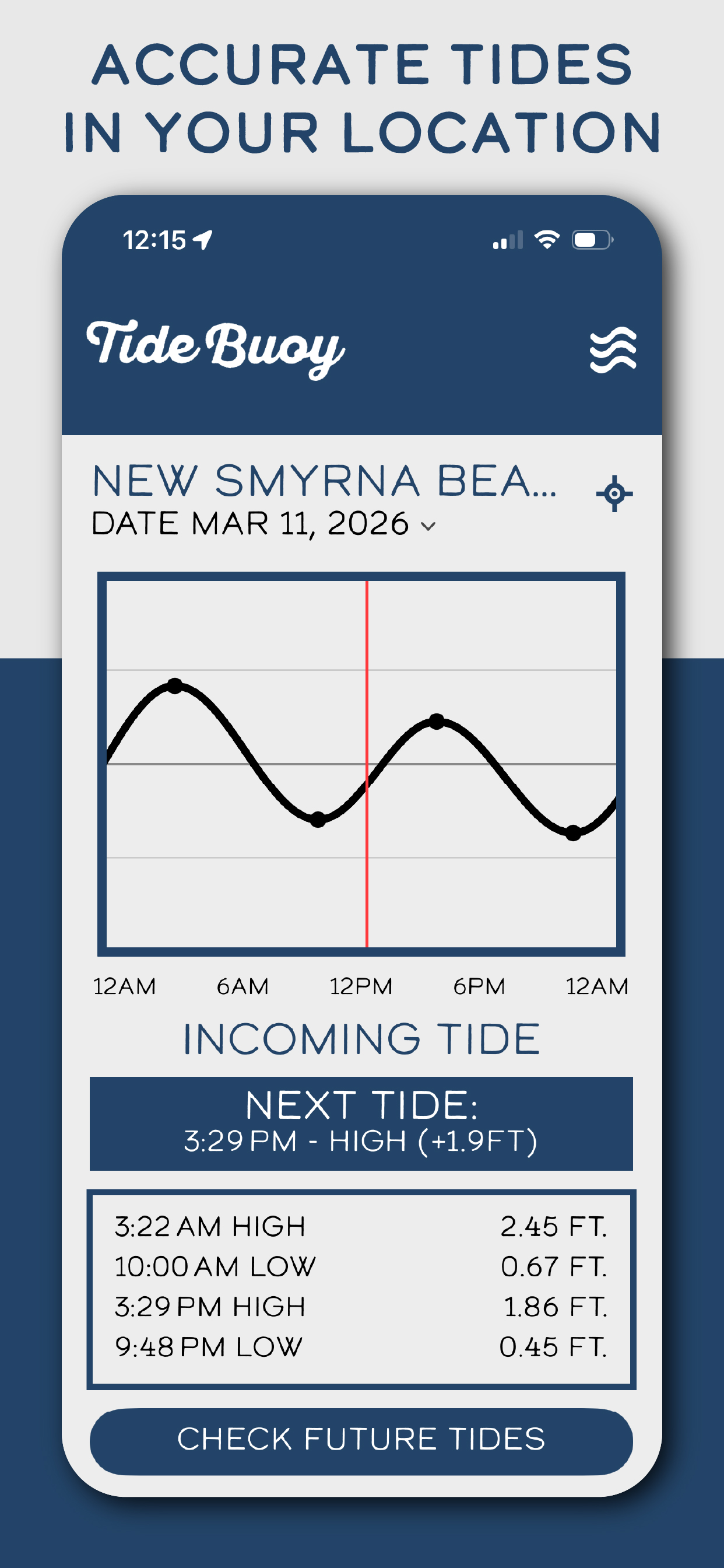
Tide Buoy is built around one simple idea: tide data should feel local, obvious, and easy to read. This screen brings the tide chart, the next shift, and the daily numbers together in one place.
Why this feature matters
Most people are not checking a generic coastline. They want to know what the tide is doing at the beach, inlet, harbor, or coastal town they are actually headed to.
A local tide chart becomes more useful when the next important change is visible right away instead of buried in a crowded screen.
Fast local checks are especially helpful when you are deciding whether to surf, fish, launch, shoot photos, or head to the beach before the window changes.
How Tide Buoy uses it
- Shows the tide curve in a clean visual chart that is easy to scan.
- Highlights whether the tide is incoming or outgoing without extra clutter.
- Keeps the next tide event and the daily highs and lows close together on the same screen.
Best real-world uses
- Quick morning checks before leaving for the coast.
- Timing a session when you only have a short window around the best water movement.
- Understanding the shape of the day without bouncing between multiple tide tools.
Want to try this in the app?
Tide Buoy brings this feature into a simple, mobile-first tide app experience built for the coast.
Related features
FAQ
Accurate Tides in Your Location questions, answered
Clear answers help both humans and search engines understand what this Tide Buoy feature actually does.
Is this a live tide chart on the web?+
Not yet. Tide Buoy shows live tide charts in the iOS app, and the web version is being built as a guide and SEO resource.
Why does the local view matter?+
Because tide timing only becomes useful when it is tied to the beach, inlet, or harbor you actually plan to visit.